Ansible towers manager
Gestor de ansible towers
SSMCM integrates with automation managers of the type Ansible Towers
There are 2 types of permissions for organization credentials:
ANSIBLE_TOWER_MANAGER_READ:ansibletowermanager:read: Allows the use, listing and viewing (without the values) of credentialsANSIBLE_TOWER_MANAGER_WRITE:ansibletowermanager:write: Enables complete management of Ansible Towers
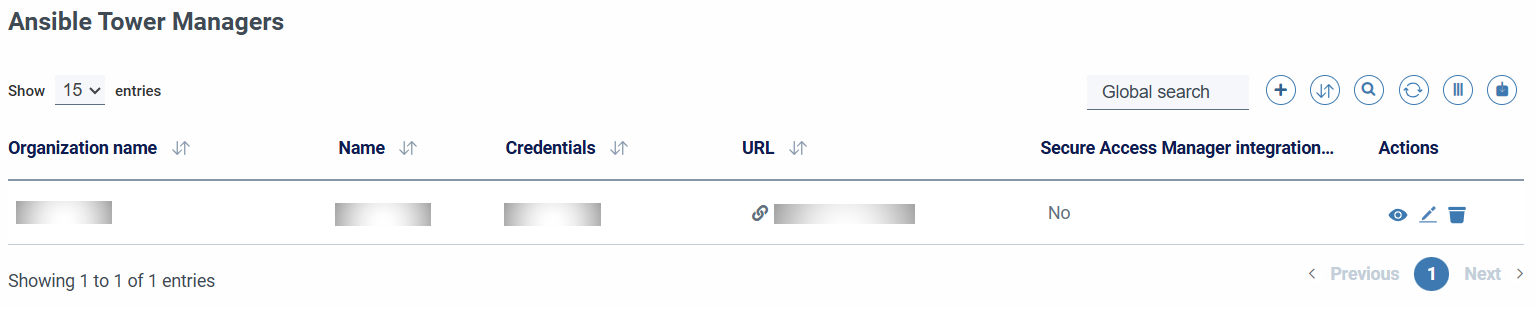
When adding a manager, the following fields must be filled in:
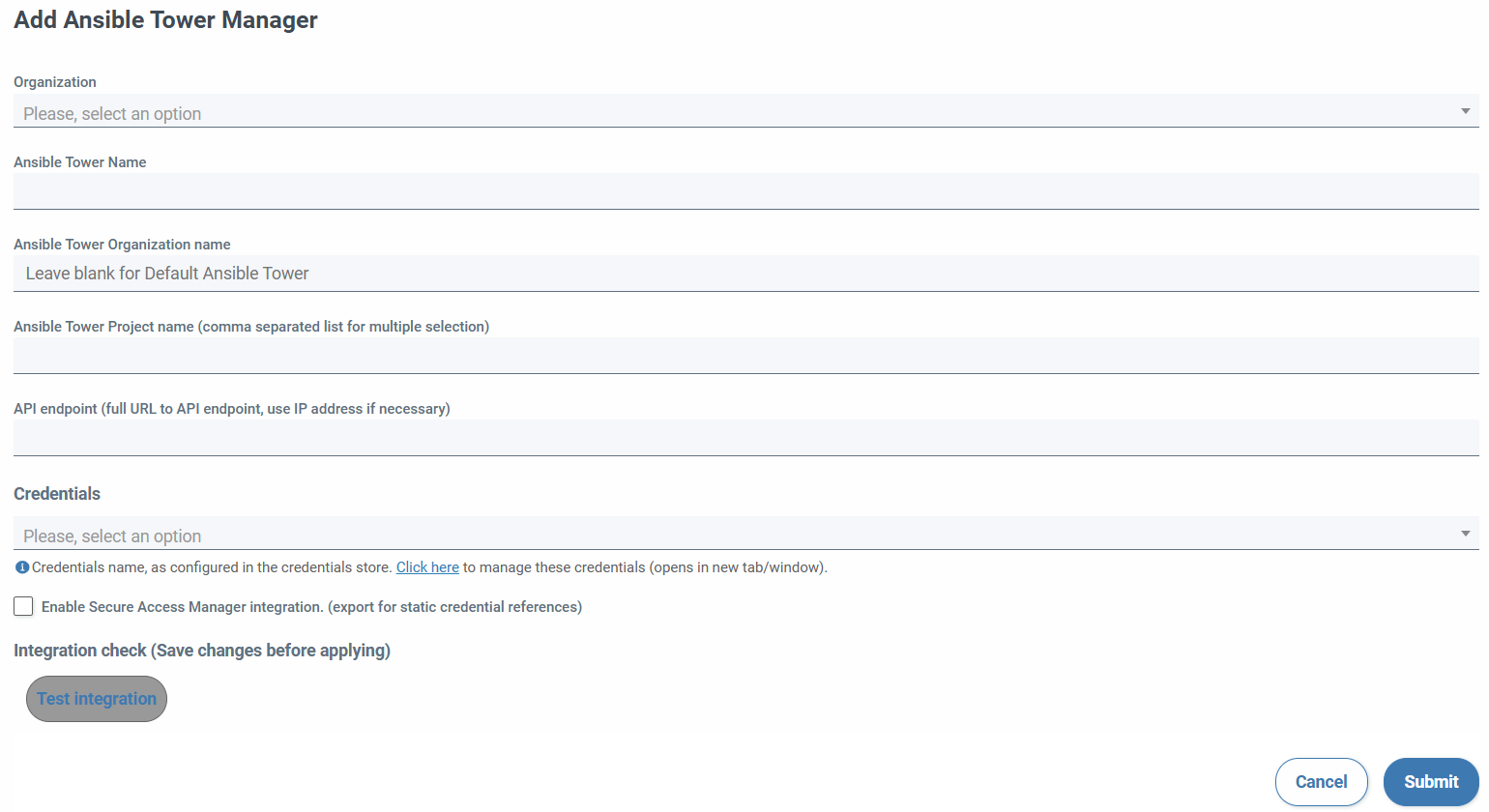
- Organization (required)
- Name (required, unique per organization)
- Organization of Ansible Tower (if left blank it is associated with Default)
- Projects (mandatory in csv without spaces and is case sensitive)
- URL of the server with which the integration will be performed (required)
- Credentials (required. They will be displayed by organization and type Ansible Tower)
- Allows integration with secure access manager (exports credential references)
In order for SSMCM to connect to the Ansible Tower manager, credentials must be specified that must be previously configured on the key storage system used by SSMCM. These credentials can be specified at 2 levels: at the secret manager level, or at the account level depending on the project-level or manager-level permissions granted to the credential.
When you save the changes, the form will reappear with the read-only organization field and two buttons to check the configured Ansible Tower and the display of access data to the corresponding repository.
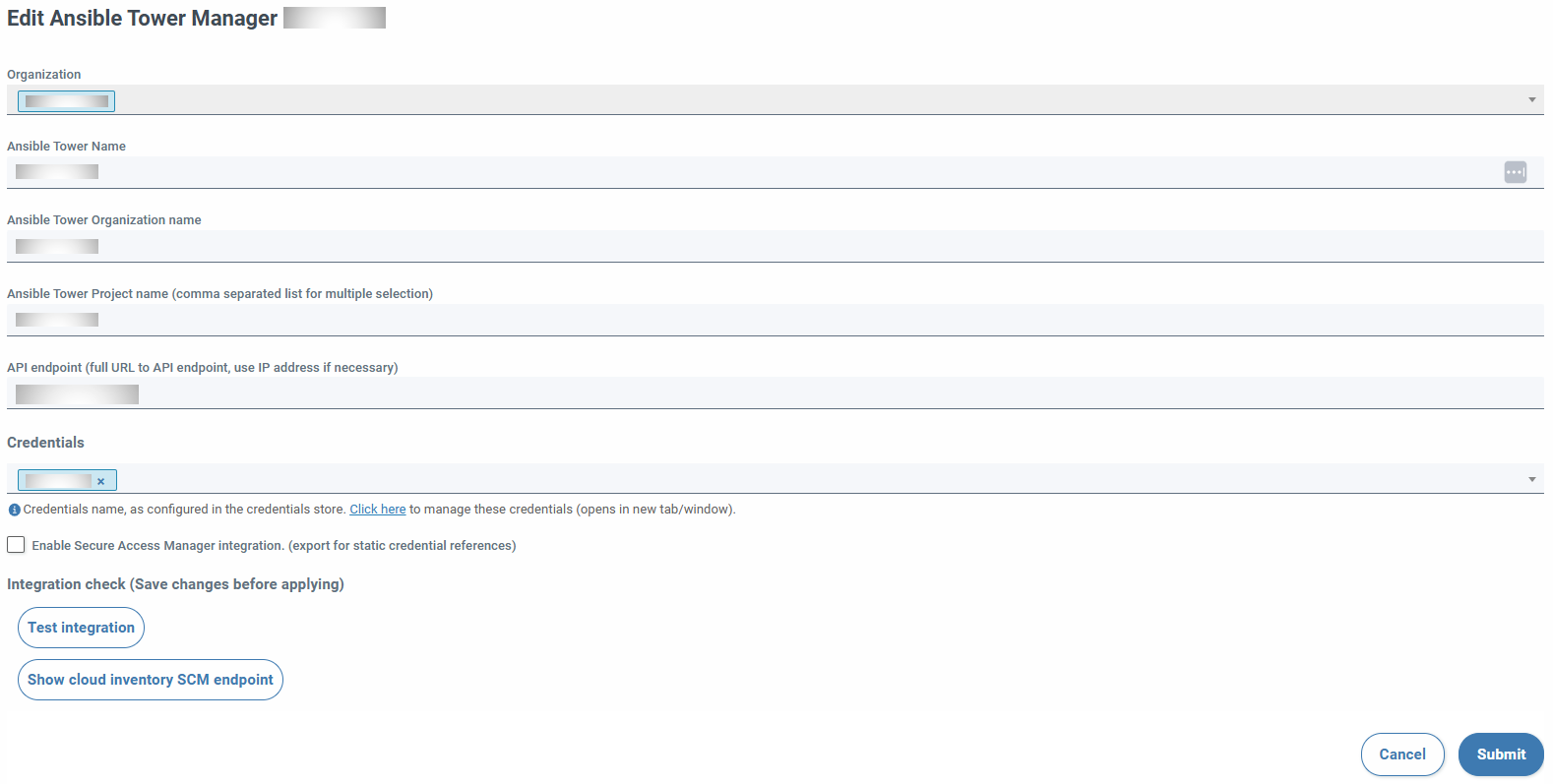
The integration button checks the possibility of listing the playbooks of the different configured projects. If any field is modified, it is deactivated. You have to press on send to activate it again. The other (Show repository access data), if the creation has gone well, will allow the visualization of the repository, username and password.
Account integration
Once the manager has registered, it is necessary to configure the accounts to use it; To do this, we must go to the accounts section, edit the corresponding account, and select the secret manager, indicate the corresponding project of the account in the secret manager, and, optionally, The credentials that will be used by those configured in the manager, or if you want to use others.
When you associate a secrets manager with an account, you can attach the organization's managers
owner of the account and those of the MSP organizations to which it delegates responsibilities (administration and
infrastructure operations), if this delegation of responsibilities has been specified.

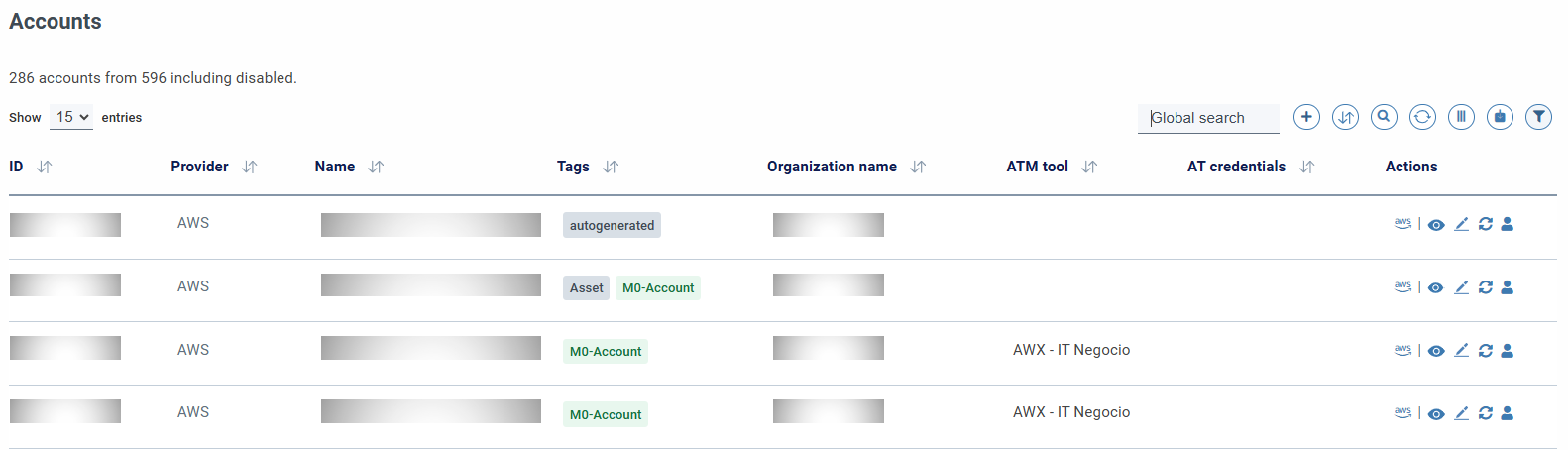
Once the manager is assigned to the account, columns are available to display information from the manager of each account:
Using credentials
You can specify credentials at both the Ansible Tower and account levels. Credentials must be specified in at least one of the two places. If credentials are specified in the account, they are used to connect to the Ansible Towers manager and be able to read or update credentials; If not, and credentials have been specified at the administrator level, then They will use those. If no credentials have been defined in any of the 2, a validation error will be thrown.
This allows you to have ansible towers Manager that use the same credentials for all accounts that are associated, or have different credentials per account for the same manager, for example, with different or specific permissions for the account.
When specifying account-level credentials, only those corresponding to the organization that owns the account, even if the associated secrets manager is a member of an MSP organization to which some responsibility has been delegated (administration and/or operations on infrastructure)