Login
Login
The application allows you to log in using different methods:
- Through your corporate Office 365 account
- Registering your account through the existing form
In either case, your user must have previously registered on the platform, and must have requested access through the procedure defined in the previous sections.
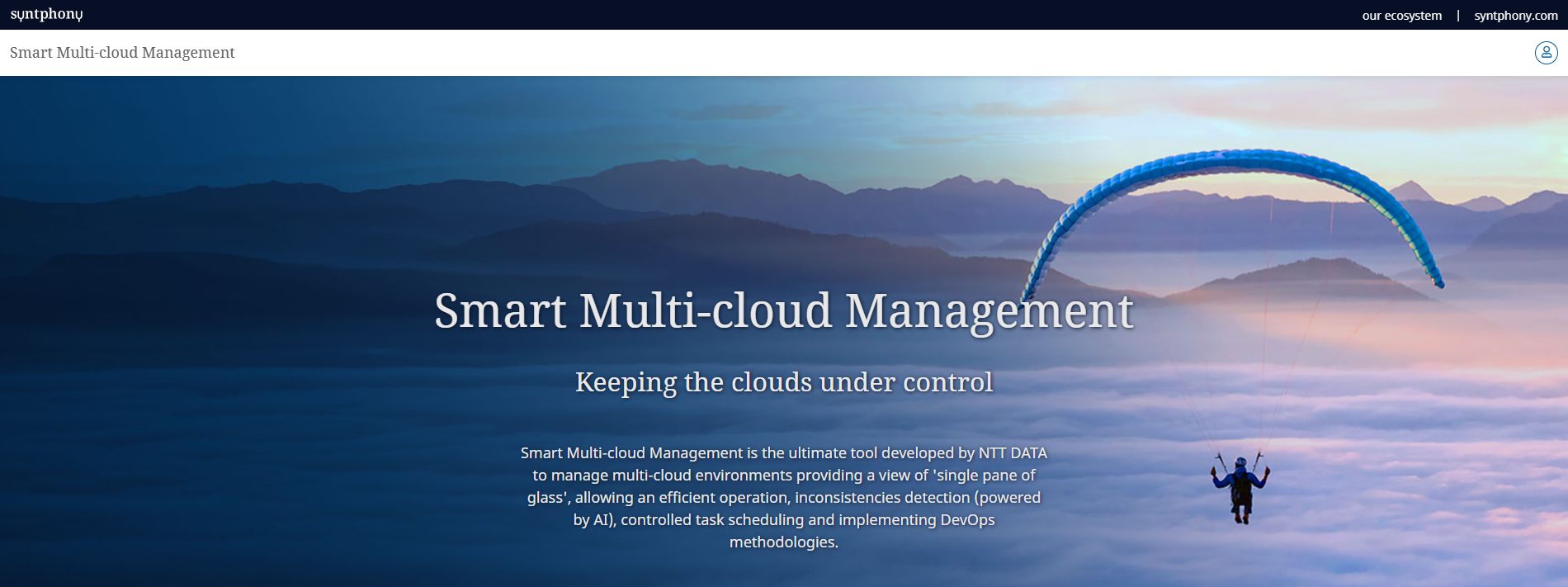
From the main screen, tap the login icon in the upper-right corner:
On the new page that opens, click the corresponding option:
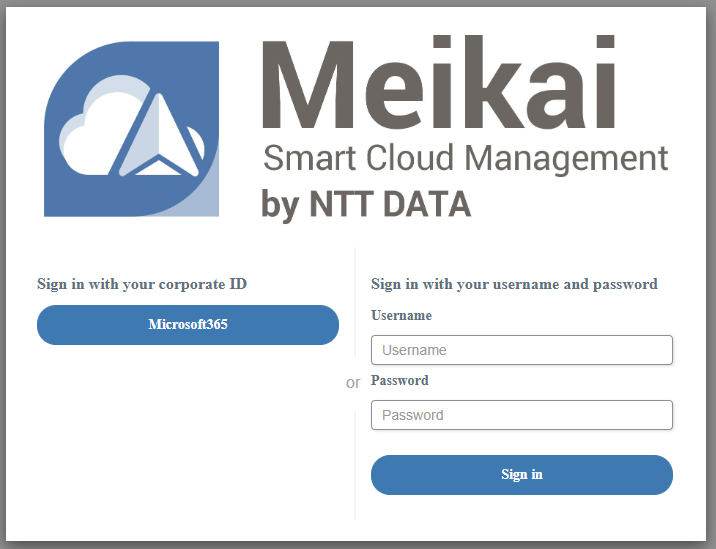
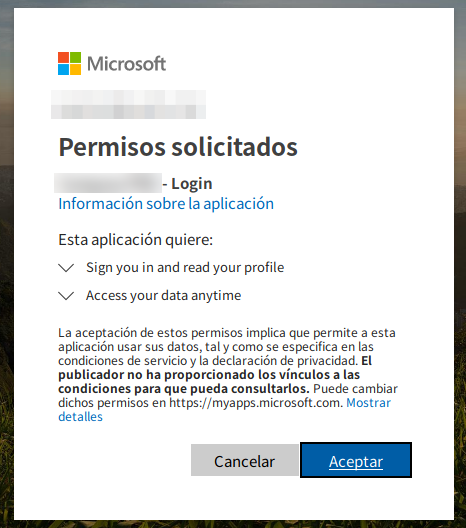
If you use the Office 365 option, you'll be redirected to the Office 365 portal, where if you're not already signed in, you'll need to enter your credentials. If this is also your first time accessing SSMCM, you will be asked for permission for SSMCM to access certain data, such as your name and email address.
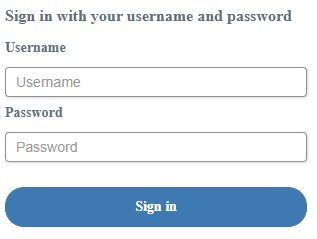
If you use Support-enabled Contingency Access (username and password), you will only be able to log in through this way if Support has manually set up an account for you.
Once logged in, you will be shown the main dashboard of the application, described in the next section.