User groups
User groups
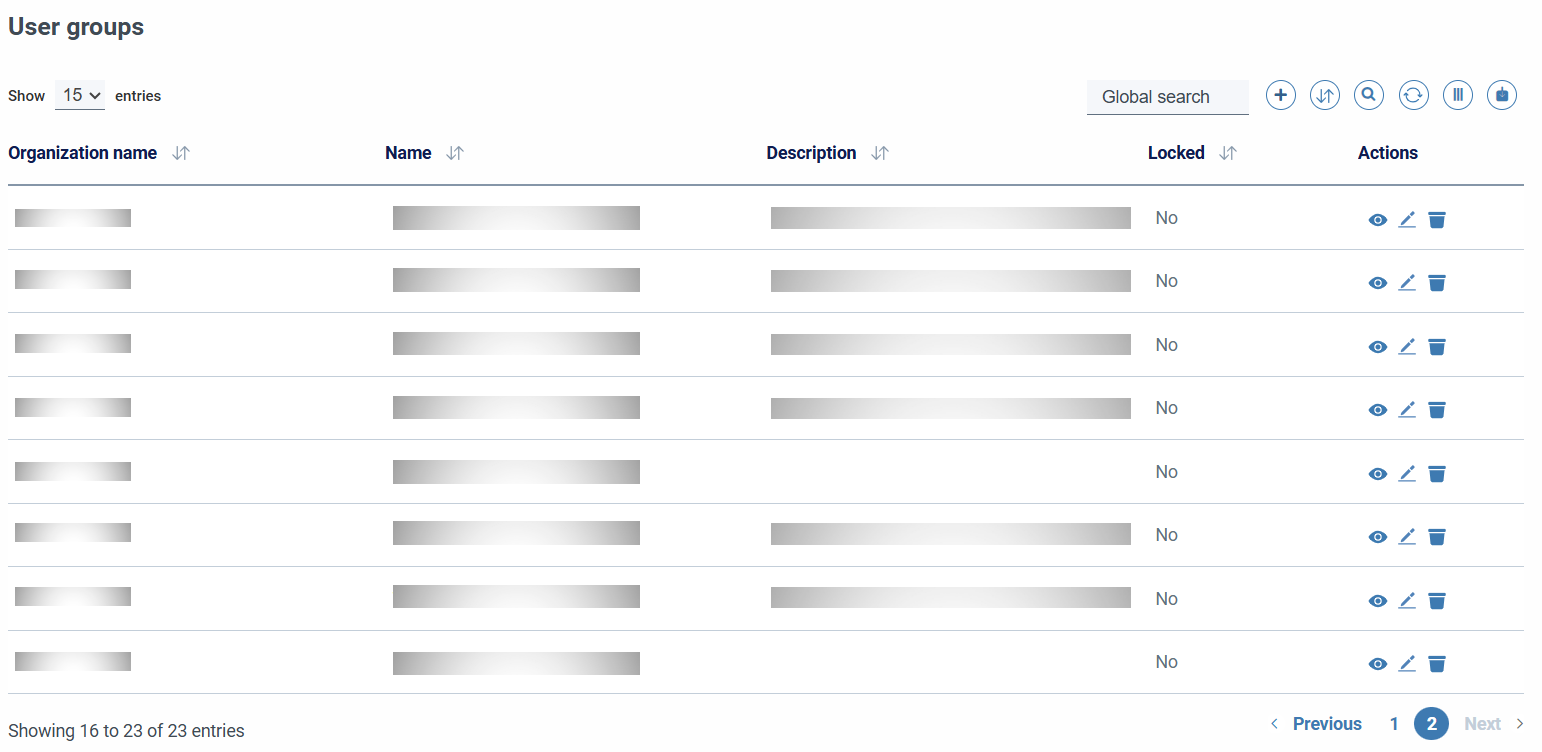
It allows us to group users, both to facilitate the management and for the visualization of resources throughout the application, allowing users in a group to see and modify certain information.
These user groups are created for an organization and will have a unique name for it. There will be at least four groups, by default, added in the creation of the organization: admin, operator, readonly and auditor.
They can be edited by users with write permission on user groups in the same organization or by users from different organizations who have previously been added to a group of users with write permission from that organization.
In order to view and add users from different organizations to the user group, you must write the user's full email in the user selector.
Its concept is similar to that of groups of accounts.
When creating or editing a group, we will find a form with the following fields:
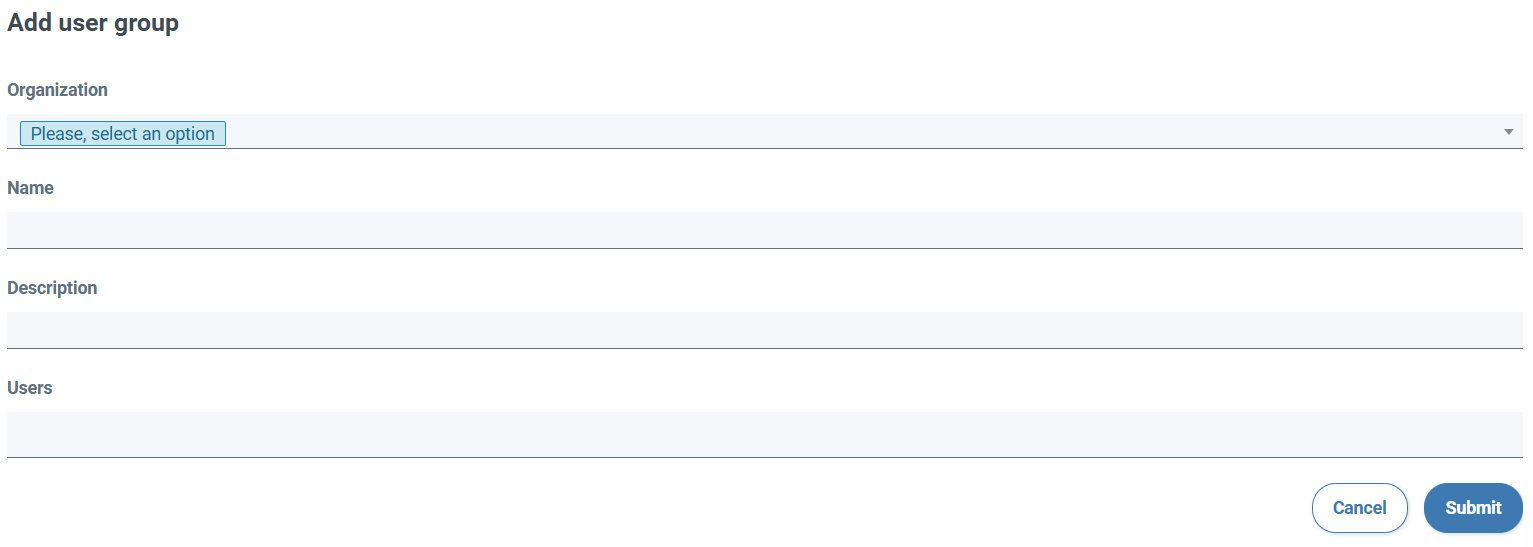
- Organization: Select the organization to which you belong.
- Name: required field.
- Description: optional descriptive field.
- Users: select one or more users.